About
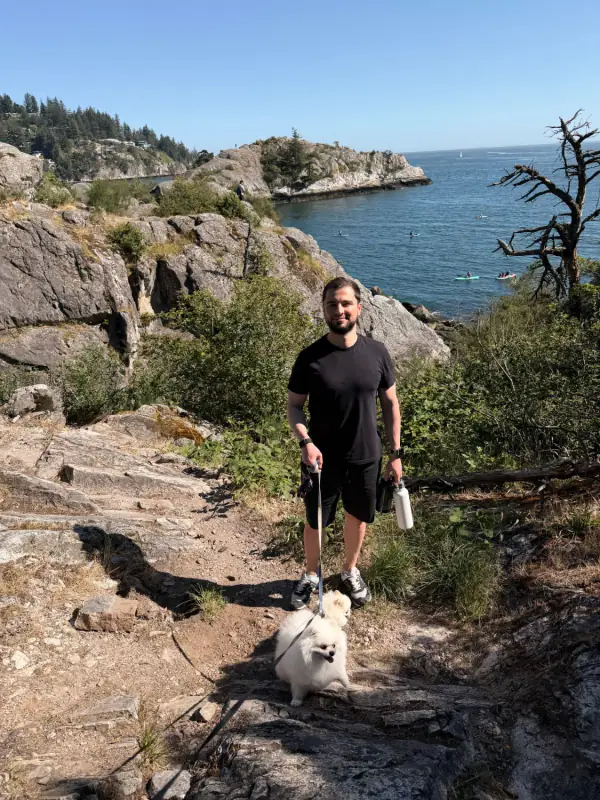
Hi, I’m Vlad. I make PhotoCleanse.
Building useful things is my passion, and I’ve been developing software for over 10 years. PhotoCleanse finds duplicate and similar photos, lets you swipe through old ones and shrinks large photos, all on your iPhone.
Say hello
I’d love to hear from you
Tell me what you like and what’s missing. If you’re stuck, I’m happy to help.
Write to me at [email protected].
Your data
What leaves your iPhone
- Your photos don’t. PhotoCleanse finds duplicates, runs Swipe and compresses photos right on your iPhone. Your photos and videos aren’t uploaded, and what you keep or delete in Swipe is saved only on your iPhone.
- Usage and crash reports go to Firebase, Google’s analytics and crash reporting service. They tell me things like when a scan starts or finishes, which iOS version you’re on and where the app crashed, so I can fix it. They never include your photos or anything that identifies a photo.
- Usage reports also go to HeyCatch, a product analytics service, with the same events and the same rule: no photos.
- If you allow it, Meta and TikTok learn which of my ads brought you. The app tells them when it’s installed and opened and when you start a trial or subscribe, so I can see which ads work. They get your iPhone’s advertising ID only if you tap Allow in Apple’s tracking prompt. In the EU, the app asks first, and you can change your mind any time in Settings > Privacy Choices.
- Subscription status goes through RevenueCat. It gets an anonymous app user ID and your App Store purchase details, so the app knows whether you have Pro. Apple takes the payment, and I never see your card.
Paying and cancelling
Free first, Pro if you want it
PhotoCleanse is free to download, and the free plan has every feature: 3 duplicate-group cleanups, 1 photo compression and 1 Swipe deck each month. If you need more, Pro removes those limits. It’s a weekly or yearly subscription billed by Apple, and both plans include a 3-day free trial for eligible new subscribers.
You can cancel any time in Settings, under your name, then Subscriptions. Cancel at least 24 hours before the trial ends and you won’t be charged. Apple handles refunds.

Try PhotoCleanse
on your iPhone
Clean up 3 duplicate groups a month for free.

For iPhone · Optional Pro subscription
Not for videos or Android phones: PhotoCleanse cleans up photos only.

Scan with your iPhone camera
Opens the App Store